Understanding Image Compression: What It Is and Why It Matters
2025-01-01 • Manan Patel
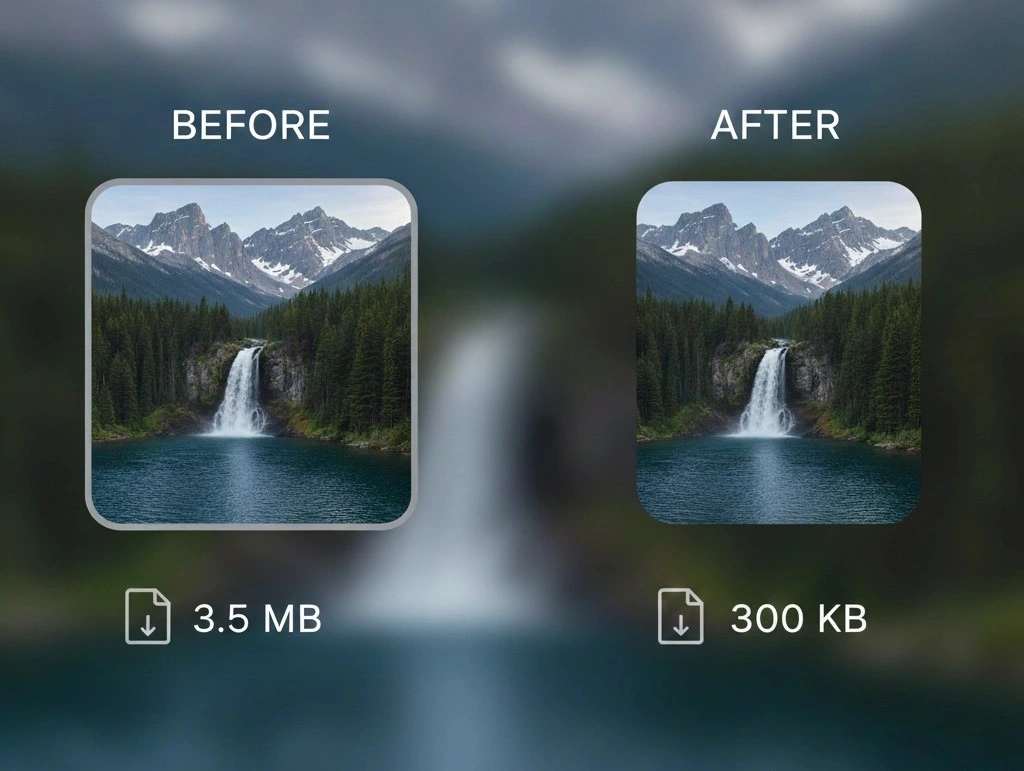
In our visually driven world, images play a pivotal role in communication, marketing, and storytelling. Whether you’re a professional photographer, a graphic designer, or just someone who loves capturing moments, you’ve probably encountered the concept of image compression. But what exactly does it mean to compress an image, and why should you care? In this blog post, we’re diving into the fascinating world of image compression, the advantages it brings, and some best practices to keep in mind.
What Does It Mean to Compress an Image?
At its core, image compression is the process of reducing the file size of an image without compromising too much on its quality. This technique is crucial for optimizing images for use on websites, social media, and various digital platforms. There are two main types of compression:
1. Lossy Compression: This method reduces file size by permanently removing certain data from the image, which can result in a decrease in quality. Popular formats that use lossy compression include JPEG and MP3. While this technique significantly shrinks file sizes, it may lead to artifacts or blurring in the image if compressed too much.
2. Lossless Compression: As the name suggests, this method compresses the image without losing any data, ensuring that the quality remains intact. Formats like PNG and TIFF utilize lossless compression, making them ideal for images requiring high fidelity, such as graphics and illustrations.
Advantages of Compressing Images
1. Faster Loading Times: One of the most significant benefits of compressing images is improved loading speed. Optimized images load faster on websites, enhancing user experience and potentially increasing traffic. Google and other search engines favor faster sites, which can boost your search rankings!
2. Reduced Storage Costs: If you’re managing a large library of images, compressed files take up less storage space. This reduction can cut down on costs, especially for businesses that pay for cloud storage.
3. Improved User Experience: Compressed images facilitate smoother scrolling and minimal buffering times on mobile devices. With more users accessing content on-the-go, ensuring quick access to images can keep them engaged and reduce bounce rates.
4. Better Performance in Emails: Sending emails with large attachments can lead to delivery issues and slow load times for recipients. By compressing images before attaching them to emails, you can ensure that your message reaches its destination promptly.
5. Optimization for Different Platforms: Different platforms have specific requirements regarding image sizes and formats. Compressing images can help you tailor your content to fit those specifications, ensuring that your images look great, regardless of where they’re displayed.
Best Practices for Image Compression
– Choose the Right Format: Depending on the type of image (photograph vs. graphic), choose between lossy (JPEG) and lossless (PNG) formats accordingly.
– Use Quality Settings Wisely: Most image editing software allows you to adjust the level of compression. Experiment with different settings to strike a balance between quality and file size.
– Batch Compress Images: If you have multiple images, consider using batch compression tools to save time. This can be particularly useful when working with large projects.
– Keep Originals: Always retain a high-quality version of your images, especially if you might need to use them in the future without any loss of quality.
Conclusion
Image compression is a vital process for anyone dealing with photographs and graphics. By understanding the nuances of lossy and lossless compression and leveraging its advantages, you can enhance website performance, improve user experience, and optimize storage solutions. So the next time you’re about to upload an image, remember the power of compression – it could make a world of difference. Happy compressing!