The WebP Revolution: A Complete Guide to the Modern Image Format for Speed and SEO
2025-01-01 • Manan Patel
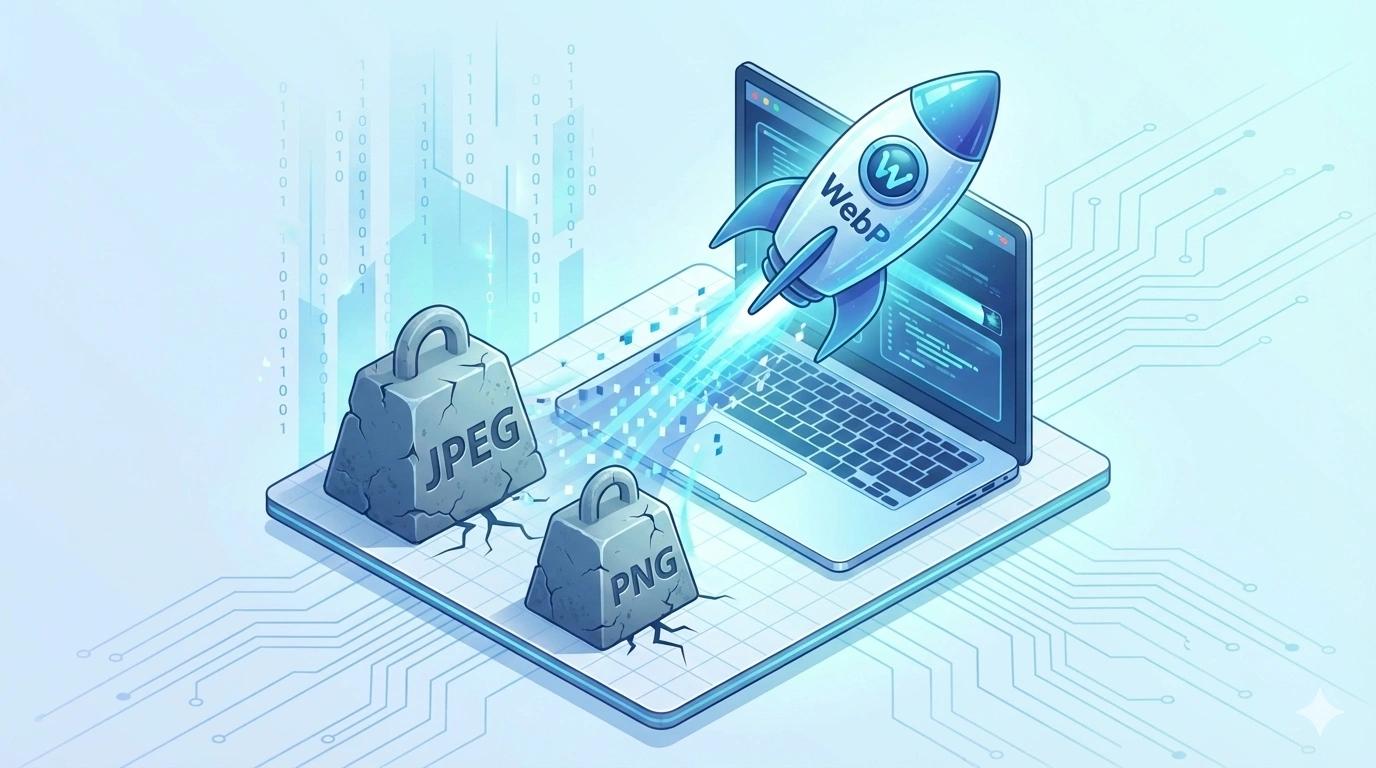
In the fast-paced world of digital marketing and web development, every millisecond counts. As users shift toward mobile browsing and Google tightens its standards for "Core Web Vitals," the weight of your images can literally make or break your website’s success. Large, unoptimized images lead to slow loading times, high bounce rates, and lower search engine rankings.
Enter WebP—the modern, next-generation image format that has fundamentally changed how we handle graphics on the internet. In this deep dive, we’ll explore what WebP is, why it is essential for modern websites, and how you can seamlessly integrate it into your workflow using professional tools like compressimagepro.com.
What is a WebP Image?
WebP (pronounced "weppy") is a raster image format developed by Google specifically for the web. Launched in 2010 and refined over the last decade, WebP was created to replace the aging trio of web standards: JPEG, PNG, and GIF.
Technically, WebP is based on the VP8 video codec technology that Google acquired from On2 Technologies. It uses a "predictive coding" algorithm to compress images. Instead of storing the data for every single pixel, the format predicts the values of neighboring pixels and only encodes the difference (the "residual") between the actual and predicted values.
The format is housed in a RIFF (Resource Interchange File Format) container, which allows it to support a wide range of features, including:
-
Lossy Compression: Providing high quality at significantly lower file sizes than JPEGs.
-
Lossless Compression: Perfect for icons and graphics, outperforming PNGs.
-
Transparency: Support for alpha channels even in lossy files.
-
Animation: A much more efficient alternative to the bulky GIF format.
The Advantages of WebP Images in Modern Websites
As we move through 2025, WebP has become the industry standard for high-performance websites. Here is why webmasters and developers are making the switch:
1. Massive File Size Reductions
According to Google’s own data, WebP lossy images are 25% to 34% smaller than comparable JPEGs. For lossless images, the savings are roughly 26% compared to PNGs. For an image-heavy site like an e-commerce store or a photography portfolio, this can translate to saving hundreds of megabytes of bandwidth across your user base.
2. Superior Quality at Low Bitrates
Traditional JPEGs often suffer from "blocky" artifacts when compressed heavily. WebP’s predictive coding produces a smoother, more natural look even at high compression levels. This allows you to push file sizes lower than ever before without making your visuals look "crunchy" or unappealing.
3. All-in-One Versatility
Historically, you needed a JPEG for photos, a PNG for transparent logos, and a GIF for animations. WebP can handle all three. This simplifies development workflows because you can standardize your entire media library to a single format that supports transparency and motion.
4. Boosted SEO and Google Rankings
Google has explicitly stated that Page Speed is a ranking factor. Smaller WebP images help your site achieve better scores in Lighthouse and PageSpeed Insights. By improving your "Largest Contentful Paint" (LCP) metric—one of the three Core Web Vitals—you give your site a better chance of appearing on the first page of search results.
5. Mobile Data Efficiency
For users browsing on limited data plans or slow 4G/5G connections, every kilobyte saved matters. WebP ensures that mobile users experience fast load times, which reduces friction and increases the likelihood of conversions.
How to Convert Any Image File into WebP
Converting your existing library of JPEGs and PNGs into the WebP format is easier than ever. You don't need complex coding skills or expensive graphic design software. You can use a dedicated online converter to handle the job in seconds.
Here is the step-by-step process using compressimagepro.com/image-convert:
1. Upload Your Image
First, navigate to the compressimagepro.com/image-convert page. You can drag and drop your files directly into the upload area or click the "Select Files" button to browse your computer. Whether you have a single photo or a batch of images, the tool is designed to handle them efficiently.
2. Choose the Output Format
Once your image is uploaded, locate the output settings. From the dropdown menu of available formats, select WebP. This tells the converter to apply the modern VP8-based compression algorithms to your file.
3. Convert the Image
Click the "Convert" button. The server-side processing at compressimagepro.com will then analyze your original file, apply the predictive coding, and generate a highly optimized WebP version. This usually takes just a few seconds, even for high-resolution files.
4. Download the Converted File
Once the conversion is complete, a "Download" link will appear. Click it to save your new, lightweight WebP image to your device. You are now ready to upload it to your website and enjoy faster loading speeds!
Disadvantages of WebP Images
While WebP is incredibly powerful, it isn't without its small drawbacks. Being a responsible developer means understanding these limitations:
-
Legacy Browser Support: While modern versions of Chrome, Safari, Firefox, and Edge fully support WebP, very old browsers (like Internet Explorer) do not. If you have a significant audience using extremely old hardware, you may need to implement a "fallback" strategy using the HTML
<picture>tag. -
Complexity in Offline Editing: Not all basic operating system viewers (like older versions of Windows Photo Viewer) can open WebP files natively. You may need to install plugins for software like older versions of Photoshop to edit them.
-
CPU Usage: Because WebP uses more advanced math to compress and decompress data, it can technically be more CPU-intensive than the simpler JPEG. However, on modern devices, this difference is virtually unnoticeable.
| Feature | WebP | JPEG | PNG | GIF |
| Best Use | Web performance | Photography | Graphics/Text | Basic Animation |
| Transparency | Yes | No | Yes | Yes (1-bit) |
| Animation | Yes | No | No | Yes |
| Compression | Lossy & Lossless | Lossy Only | Lossless Only | Lossless |
| Size | Smallest | Small | Large | Very Large |
FAQs: Frequently Asked Questions About WebP
1. Is WebP better than PNG?
For the web, yes. WebP offers the same transparency features as PNG but with significantly better compression. A lossless WebP is usually about 26% smaller than an equivalent PNG.
2. Can I use WebP on WordPress?
Yes! WordPress has natively supported WebP since version 5.8. You can upload WebP files directly to your media library just like you would a JPEG.
3. Does WebP affect image quality?
If you use "Lossy" WebP, there is a technical loss of data, but it is optimized to be invisible to the human eye. If you use "Lossless" WebP, the quality is identical bit-for-bit to the original.
4. Will WebP replace AVIF?
WebP and AVIF are both "next-gen" formats. While AVIF sometimes offers even better compression for large photos, WebP remains more widely supported and faster to decode, making it the most balanced choice for general web use today.
Conclusion
The shift to WebP is no longer a luxury; it is a necessity for anyone serious about web performance and user experience. By significantly reducing file sizes without sacrificing visual fidelity, WebP allows you to create richer, faster, and more engaging websites.
Whether you are looking to shave seconds off your page load time or improve your mobile SEO, converting your images is the highest-impact change you can make. Start optimizing your digital assets today by visiting compressimagepro.com and see the difference in speed for yourself.